

Key Takeaways
App Permissions
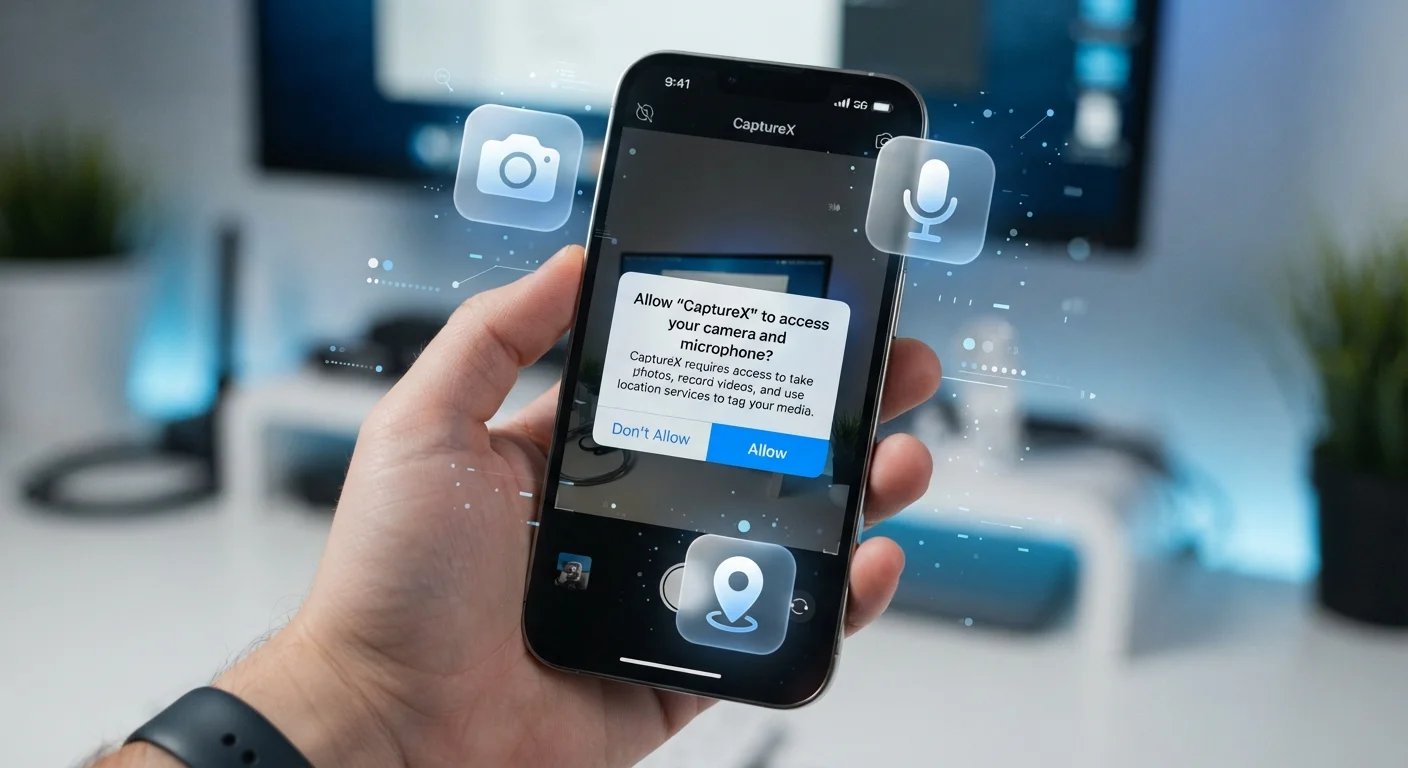
App permissions are requests an application makes to access specific features or data on your device — such as your camera, contacts, location, or microphone. When you install or first open an app, your phone prompts you to allow or deny each request. Granting a permission gives the app ongoing access to that resource until you manually revoke it.
On Android, permissions are grouped into categories (e.g., 'Location', 'Storage'); some are granted automatically at install while others require explicit user approval at runtime. iOS uses a similar runtime model where each sensitive permission must be approved individually.
Why Permissions Matter More Than You Think
Most people tap "Allow" without reading the prompt. That single tap can give an app continuous access to your microphone, precise GPS coordinates, or your entire photo library — often long after you've stopped using the app actively. Permissions are essentially digital keys, and handing them out carelessly is one of the most common ways personal data gets shared without people realizing it.
As free apps collect data as part of their business model, permissions are often the mechanism that makes that collection possible. Understanding what each request actually means is the first step toward making informed choices.
89%
Apps that share data with third parties
According to research published by cybersecurity analysts, the vast majority of popular apps transmit some data to external services, often enabled by broad permissions granted at install.
1 in 3
Users who review app permissions regularly
Surveys on mobile privacy habits consistently find that most smartphone users have never audited the permissions they've granted to installed apps.
The Permission Types That Carry the Most Risk
Not all permissions are equally sensitive. Here's a breakdown of those that warrant the most caution:
- Location: Reveals where you live, work, and travel. "Always On" access allows tracking even when the app isn't open. Prefer "While Using" wherever possible.
- Microphone: Grants the ability to record audio. Legitimate use cases include voice assistants, video call apps, and audio recorders — not most others.
- Camera: Allows the app to capture photos or video. Justified for camera or video-chat apps, but suspicious when requested by a recipe or shopping app.
- Contacts: Exposes names, phone numbers, and email addresses of people who never consented to share their data with the app.
- Storage / Photos: Can give access to your entire photo library, including metadata that records when and where each photo was taken.
For a broader look at data-sharing practices, see how apps handle your data between cloud and local storage.
Use 'While Using' Instead of 'Always'
For location-sensitive apps, selecting 'While Using the App' rather than 'Always' dramatically reduces background data collection without breaking the app's core features. Both Android and iOS offer this option for location permissions, and it's one of the simplest privacy improvements you can make.
How to Audit and Manage Permissions Right Now
Both major mobile platforms make permission management accessible, though the menu paths differ slightly.
On iPhone (iOS)
Go to Settings → Privacy & Security. Each category (Location Services, Microphone, Camera, etc.) lists every app that has requested that permission, along with its current status. You can toggle access off for any app individually.
On Android
Go to Settings → Apps, select an app, then tap Permissions. Alternatively, go to Settings → Privacy → Permission Manager to see all apps grouped by permission type — useful for spotting which apps have microphone or location access at a glance.
As a general rule, revoke any permission that isn't essential to what you actually use the app for. If you're uncertain whether a permission is justified, run a quick safety check on the app before deciding.
“Permissions are the front door to your personal data. The question isn't whether to let apps in — it's how far you let them go once they're inside.”
— Excerpt from mobile privacy guidance, General principle cited in digital security literature
For a more comprehensive review of your device's privacy posture, explore the privacy settings most people overlook.
Spotting a Suspicious Permission Request
The clearest signal that something is off is a mismatch between what an app does and what it's asking for. A weather app that requests microphone access, or a flashlight tool that wants your contacts, has no obvious functional reason to need those resources.
When an app's permissions seem disproportionate, check its reviews and privacy policy before granting access. App store ratings can surface user complaints about data practices, though they aren't a complete picture. If something feels wrong, it's reasonable to deny the request or look for an alternative app. You can also learn more about broader device security in our guide on privacy settings worth knowing for your gadgets.