

Key Takeaways
Applicant Tracking System (ATS)
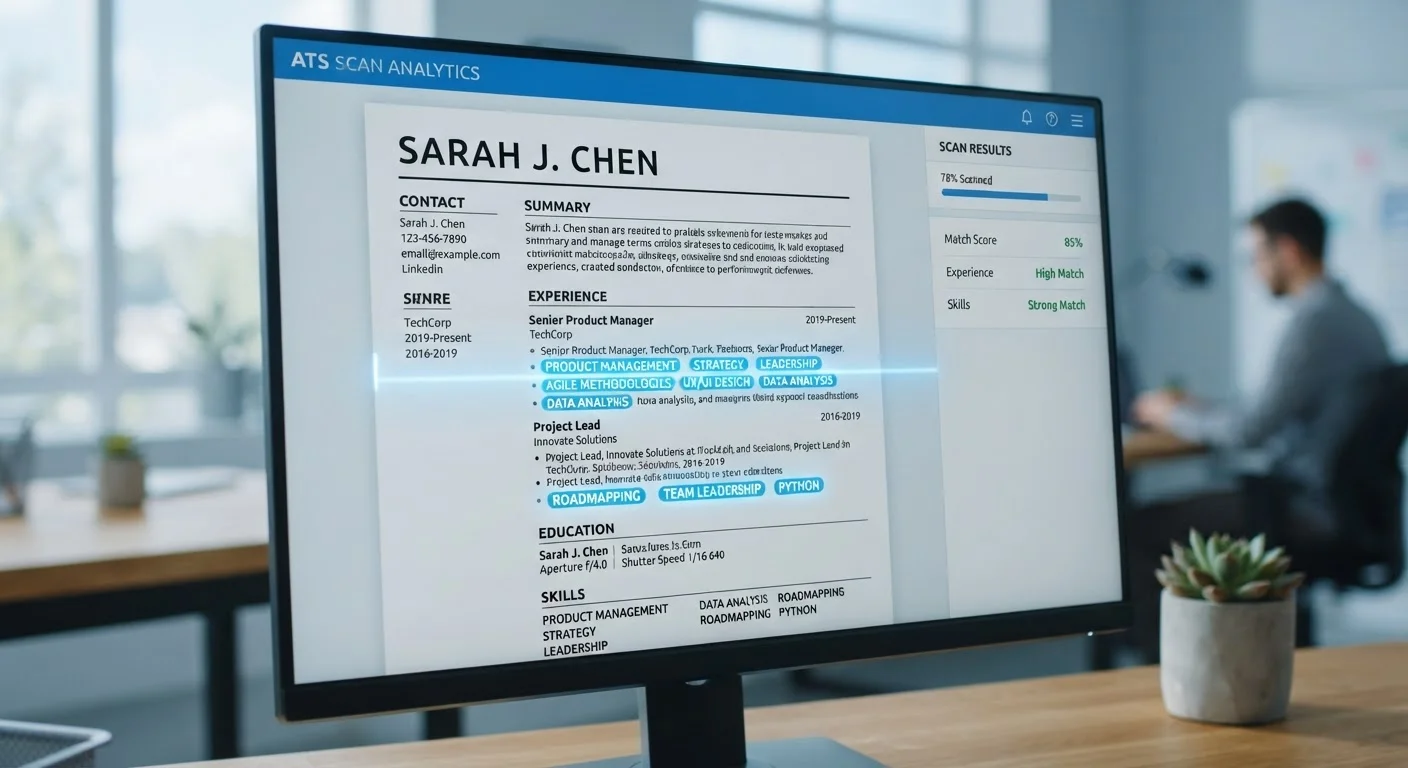
An Applicant Tracking System, or ATS, is software that employers use to collect, sort, and screen job applications automatically. When you submit a resume online, it typically passes through an ATS before any human reviews it. The system scans for keywords, job titles, and formatting cues to decide which candidates move forward.
Most enterprise ATS platforms parse resume data into structured fields (name, skills, work history) and rank applicants using scoring algorithms based on keyword matches against the job description.
How an ATS Actually Works
When you click "Submit" on an online job application, your resume rarely lands directly in a recruiter's inbox. Instead, it enters a queue managed by an Applicant Tracking System. The software extracts your text, parses it into fields like job titles, dates, and skills, then scores your application against criteria derived from the job description.
Recruiters typically set filters before a posting goes live-minimum years of experience, required credentials, or specific skill terms. Applications that don't meet those thresholds may never surface in the recruiter's review queue, regardless of a candidate's actual qualifications.
ATS Varies by Employer Size
Smaller employers and startups often don't use ATS at all-applications may go directly to a hiring manager's inbox. Tailoring your resume still matters in those cases, but for different reasons: a human will be the first reader, so clarity and impact at a glance become the priority.
This process is why the modern US job search requires a different strategy than it did a decade ago. Understanding the technology is the first step toward navigating it.
What an ATS Is Looking For
The primary signal an ATS uses is keyword matching. It compares the language in your resume against the language in the job posting. If a posting asks for "project management" and your resume only says "led initiatives," the system may not connect the two.
- Job title alignment: Use the same or closely equivalent title the employer uses, especially in your most recent role.
- Hard skills and tools: List specific software, certifications, or technical skills mentioned in the posting.
- Credentials and education: Degree names and certifications should appear clearly, not buried in prose.
- Contextual phrases: Some modern ATS platforms use semantic matching, recognizing synonyms and related terms, but exact matches remain the safest approach.
75%
Resumes rejected before human review
Industry estimates suggest roughly three-quarters of resumes submitted to large employers are filtered out by ATS before a recruiter reviews them, according to recruiting technology research.
250+
Average applications per corporate job posting
Large US employers commonly receive over 250 applications per open role, according to data compiled by HR industry analysts, making automated screening a practical necessity.
6 seconds
Average recruiter scan time per resume
Eye-tracking studies from recruiting research firms suggest human reviewers spend an average of about six seconds on an initial resume scan once it clears the ATS filter.
The practical takeaway: read each job description carefully and mirror its language in your resume where it honestly applies to your background.
Resume Formatting Mistakes That Trip Up ATS
Even a well-written resume can score poorly if it's structured in a way the ATS can't parse. Common formatting problems include:
- Tables and columns: Many ATS platforms read left to right in a single stream, so content in multi-column layouts may get scrambled.
- Graphics and icons: Images, logos, and decorative icons are invisible to most ATS parsers.
- Headers and footers: Contact information placed in the document's header or footer field is often skipped entirely.
- Unusual fonts and special characters: Stick to standard fonts; certain bullet point symbols or special characters can render as gibberish.
- Non-standard section labels: Use conventional headings like "Work Experience," "Education," and "Skills" rather than creative alternatives.
Test Your Resume in Plain Text
Copy the full text of your resume and paste it into a basic text editor like Notepad. If the content looks disorganized or important details are missing, an ATS will likely struggle with it too. Fix layout issues before submitting, not after.
Before submitting, use the job application readiness checklist to catch these and other common errors.
Building a Resume That Clears the Filter
The goal isn't to trick the ATS-it's to present your genuine qualifications in a format the system can read and reward. Here's a practical approach:
- Start with the job description. Highlight key skills, required qualifications, and repeated phrases. These are your target keywords.
- Customize for each role. Adjust your summary, skills section, and bullet points to reflect the specific language of that posting. A tailored resume consistently outperforms a generic one.
- Use a clean, single-column layout. Simple chronological or combination formats are the most ATS-friendly.
- Quantify accomplishments. Numbers give both the ATS and human reviewers concrete evidence of impact.
- Test your file. Copy and paste your resume text into a plain-text editor. If the structure falls apart, so will the ATS parsing.
Keep in mind: clearing the ATS is only the first hurdle. A resume that passes the filter still needs to make a strong impression on a recruiter. The same job search myths that mislead candidates about requirements also lead many to under-invest in resume quality.