

Key Takeaways
Why Default Settings Aren't Designed With Your Privacy in Mind
When you unbox a new gadget, the out-of-the-box configuration is usually built for convenience and product engagement — not your privacy. Manufacturers and app developers benefit from data collection, so the default settings often enable broad permissions, cloud backup of personal data, and diagnostic sharing without making these choices obvious to the user.
The good news is that adjusting these settings doesn't require technical expertise. A handful of targeted changes across your smartphone, smart speakers, and other connected devices can meaningfully reduce the amount of data you share — and shrink your exposure if a service is ever breached. For a broader look at which settings are most commonly overlooked, see the privacy settings most people never touch.
Audit app permissions on your smartphone every few months.
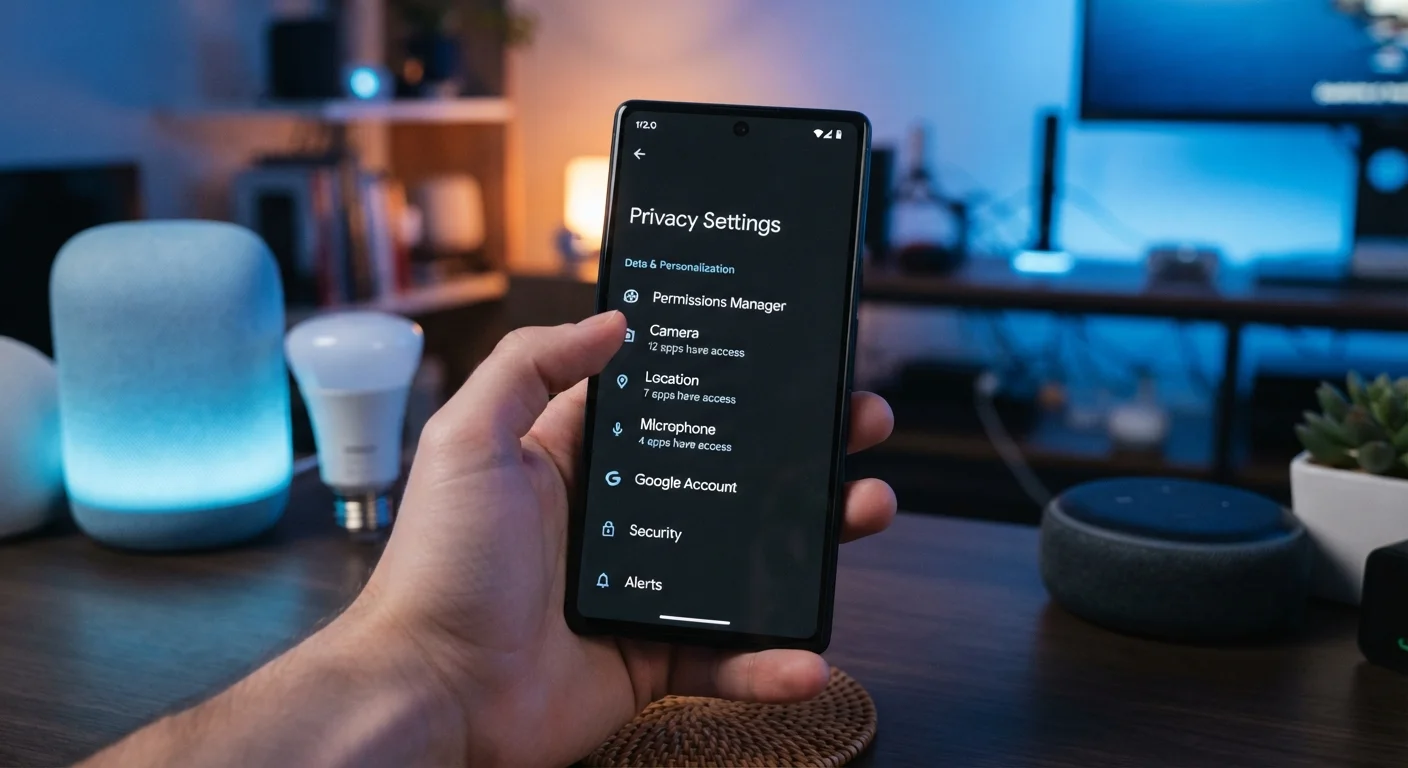
Apps frequently request access to your location, microphone, camera, and contacts well beyond what their core function requires. Permissions granted during setup are rarely revisited, allowing ongoing data collection long after the original reason to grant access has passed.
Enable two-factor authentication on accounts linked to your devices.
Device accounts — including those tied to your smartphone's app store, smart speaker, or home security system — are high-value targets. Two-factor authentication (2FA) ensures that a stolen password alone is not enough to access your account.
Turn on automatic software updates for all connected devices.
Security vulnerabilities in operating systems and firmware are discovered regularly. Manufacturers release patches to fix them, but those patches only protect you once installed. Manual update habits are inconsistent; automation closes the gap.
Disable ACR and ad tracking on smart TVs.
Automatic Content Recognition silently profiles your viewing behavior and shares it with advertisers and data brokers. This feature is enabled by default on most major smart TV platforms and operates independently of any streaming service you use.
Use a strong, unique screen lock and disable lock-screen notifications.
A weak PIN or no screen lock is one of the most basic physical security gaps on any smartphone. Lock-screen previews of messages and emails also expose sensitive information to anyone who can glance at your screen.
Review and limit location-sharing settings to 'while using' where possible.
Many apps default to 'always on' location access, meaning they track your position even when you're not actively using them. Restricting this to 'while using the app' dramatically reduces background location data collection.
Smart Speakers and Connected Home Devices
Smart speakers present a distinct privacy challenge: they are always listening for a wake word, and most store audio clips of your voice commands on remote servers by default. Regularly deleting your voice history — a feature available in the companion apps for most major platforms — limits the data retained over time. You can also disable the feature that allows recordings to be reviewed by employees for product improvement purposes.
For other connected home devices — smart TVs, video doorbells, and security cameras — review whether footage or usage data is being uploaded to the cloud and whether third-party sharing is enabled. Many smart TVs include a feature called ACR, which tracks what you watch and shares it with advertisers. This is almost always opt-out, not opt-in, and is typically buried in the TV's privacy menu. Disabling it reduces passive data collection without affecting core TV functionality.
“Security and privacy are not features to be added on top of a system — they need to be designed in from the start. When they're not, the burden falls on users to undo defaults that were never in their interest.”
— Bruce Schneier, Security technologist and author of multiple books on cybersecurity
Quick Actions to Strengthen Your Device Security Today
Some of the most effective privacy improvements take only a few minutes to implement. The quick wins below focus on actions with the clearest and most immediate impact across everyday devices.
For a structured review of your broader digital security posture — covering passwords, account access, and more — a room-by-room digital security checklist is a practical next step. And if you want to understand how two-factor authentication works before enabling it, this plain-language explainer covers the basics clearly.
App Permissions and Network Security Go Together
Locking down app permissions on your phone is only part of the picture. The network those devices connect to is equally important. For practical steps to harden your home Wi-Fi setup, see locking down your home network. For a deeper dive into what app permissions actually collect, this guide to app permissions explains each category in plain terms.