

Key Takeaways
Two-Factor Authentication (2FA)
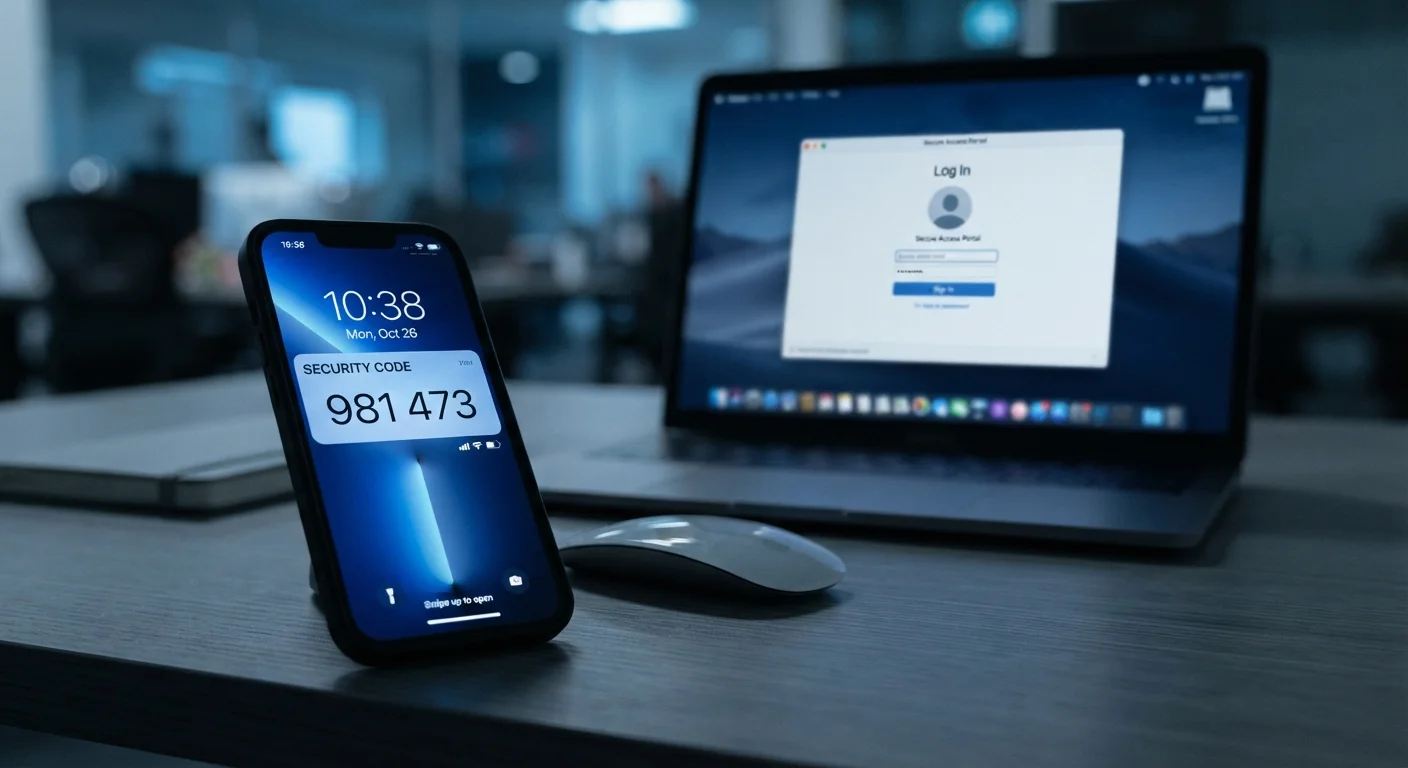
Two-factor authentication, often abbreviated as 2FA, is a security process that requires you to verify your identity in two separate ways before you can access an account. Instead of relying on just a password, you also confirm your identity with a second piece of evidence — such as a code sent to your phone or generated by an app. This makes it much harder for someone else to break into your account, even if they know your password.
2FA is a subset of multi-factor authentication (MFA), which can involve three or more verification factors. Factors are categorized as something you know (password), something you have (phone or hardware key), or something you are (biometric data).
How Two-Factor Authentication Works
When you log in to an account protected by 2FA, the process unfolds in two distinct stages. First, you enter your username and password as usual. If those credentials are accepted, the service then triggers a second verification step before granting access.
That second step takes one of several common forms:
- SMS code: A short numeric code is sent to your registered phone number via text message.
- Authenticator app code: An app on your smartphone generates a time-limited code, typically valid for 30 seconds.
- Push notification: The service sends an approval request directly to a trusted device, and you tap to confirm.
- Hardware security key: A physical device — often resembling a USB drive — that you plug in or tap to verify your identity.
- Biometric prompt: Some implementations use fingerprint or face recognition as the second factor.
The underlying logic is straightforward: even if someone steals or guesses your password, they cannot complete the second step without physical access to your phone, key, or biometric data.
2FA vs. Two-Step Verification
You may see the terms "two-factor authentication" and "two-step verification" used interchangeably, but they have a subtle technical difference. True 2FA requires factors from two different categories (e.g., something you know and something you have). Two-step verification may use two steps from the same category. In everyday use, both terms generally refer to the same protective practice, and the distinction rarely affects how you set things up.
Why Your Password Alone Isn't Enough
Passwords are more vulnerable than most people realize. Data breaches expose billions of credentials each year, and many people reuse the same password across multiple services. Password-guessing tools can test millions of combinations automatically, and phishing attacks routinely trick users into typing their credentials on fake login pages.
80%+
Of breaches involve compromised credentials
Verizon's Data Breach Investigations Report has consistently found that the majority of hacking-related breaches exploit stolen or weak passwords.
99.9%
Of automated attacks blocked by MFA
Microsoft reported that multi-factor authentication blocks roughly 99.9% of automated account compromise attacks targeting its platforms.
The core problem is that a password is a single point of failure. Once it's compromised — whether you know it or not — an attacker has everything they need to access your account. 2FA changes that calculus entirely by requiring possession of something physical or biometric as a second gate.
This is why security professionals consistently emphasize 2FA as a foundational control. It pairs naturally with strong, unique passwords — and using a password manager to maintain those passwords is a complementary habit worth considering. See our breakdown of password manager trade-offs for a balanced look at that option.
Choosing the Right Type of 2FA
Not all second factors carry equal weight. Understanding the differences helps you make better decisions for your most sensitive accounts.
SMS codes are the most widely supported and easiest to set up, but they carry a specific risk: SIM-swapping. This is when a bad actor convinces a mobile carrier to transfer your phone number to a SIM card they control, intercepting your verification texts.
Authenticator apps — which generate codes locally on your device — sidestep this risk because codes never travel over the cellular network. They are widely considered the practical sweet spot between security and convenience for most users.
Hardware keys offer the strongest protection and are virtually immune to phishing, but they require carrying a physical device and are primarily used by people with elevated security needs.
“Passwords are the weakest link in account security. Adding a second factor transforms authentication from a single line of defense into a meaningful barrier that stops the vast majority of credential-based attacks.”
— Cybersecurity and Infrastructure Security Agency (CISA), U.S. federal agency responsible for national cybersecurity guidance
For most people, enabling an authenticator app on email, banking, and social media accounts delivers a substantial security improvement with minimal daily friction. For a broader view of building lasting security habits, see the cybersecurity habits that hold up over time.
Where to Enable 2FA First
Enabling 2FA across every account is the ideal goal, but prioritizing strategically ensures you protect what matters most. Start with:
- Email accounts: Your email is often the master key to all other accounts, since password reset links are sent there.
- Banking and financial services: Any account tied to real money warrants the strongest protection you can apply.
- Social media: Compromised social accounts can be used for fraud, impersonation, or spreading malicious links.
- Cloud storage and work accounts: These often contain sensitive personal or professional data.
Save Your Backup Codes When You Enroll
When you activate 2FA on any account, the platform will usually offer one-time backup codes. Download or print these and store them somewhere secure — not on the same device you use for 2FA. They are your safety net if you ever lose access to your second factor and need to recover your account.
Most major platforms make 2FA setup straightforward — look for it under Security or Privacy in account settings. Pairing 2FA with reviewed device privacy settings gives you layered protection; our guide on privacy settings worth knowing covers the device side of that equation.
Two-factor authentication doesn't make an account impenetrable, but it raises the barrier to entry dramatically. For most attackers, an account with 2FA simply isn't worth the extra effort — they move on to easier targets. That deterrent effect alone makes 2FA one of the most practical security steps available to everyday internet users.