

Key Takeaways
Encrypts traffic on untrusted public networks
On shared Wi-Fi, a VPN prevents local observers from reading your unencrypted data streams, making it significantly harder for bad actors on the same network to intercept sensitive information.
Hides browsing activity from your ISP
Your internet service provider can log the sites you visit and the timing of requests; a VPN replaces that visibility with encrypted traffic directed to a single VPN server.
Masks your IP address from destination sites
Websites see the VPN server's IP address rather than yours, which limits one method of location-based tracking — though it does not prevent other forms of identification.
Enables access to geographically restricted content
Connecting through a server in another country can allow access to streaming libraries or services unavailable in your region, subject to platform terms of service.
Useful for remote workers accessing corporate networks
Many organizations require VPN connections to grant secure access to internal systems, databases, and tools from outside the office environment.
Slower connection speeds due to encryption overhead
Routing traffic through an additional server and encrypting it adds latency; the performance impact varies by provider and server location but is consistently measurable.
Trust shifts to the VPN provider, not eliminated
You are not removing a potential observer — you are replacing your ISP with your VPN provider. A provider with weak logging policies or operating in a permissive jurisdiction may offer less protection than assumed.
Does not protect against malware or phishing
A VPN encrypts traffic in transit but cannot stop you from visiting a fraudulent website or executing a malicious download; social engineering attacks are entirely outside its scope.
Subscription cost with variable reliability
Reputable VPN services typically charge a recurring fee, and free VPNs frequently offset costs by logging and monetizing user data — the opposite of their stated purpose.
Limited benefit when HTTPS is already in use
Most modern websites encrypt communications with HTTPS by default, meaning the content of your browsing sessions is already protected without a VPN on those sites.
Our Verdict
A VPN is a genuinely useful tool in specific circumstances — particularly on untrusted networks — but it is not the all-purpose privacy shield it is sometimes marketed as. For routine home browsing over a trusted connection, the protection it adds is modest at best. Used with realistic expectations, a VPN is one reasonable layer in a broader security strategy.
Travelers, remote workers, and anyone who regularly connects to public or workplace Wi-Fi networks where local traffic observation is a realistic concern.
What a VPN Actually Does
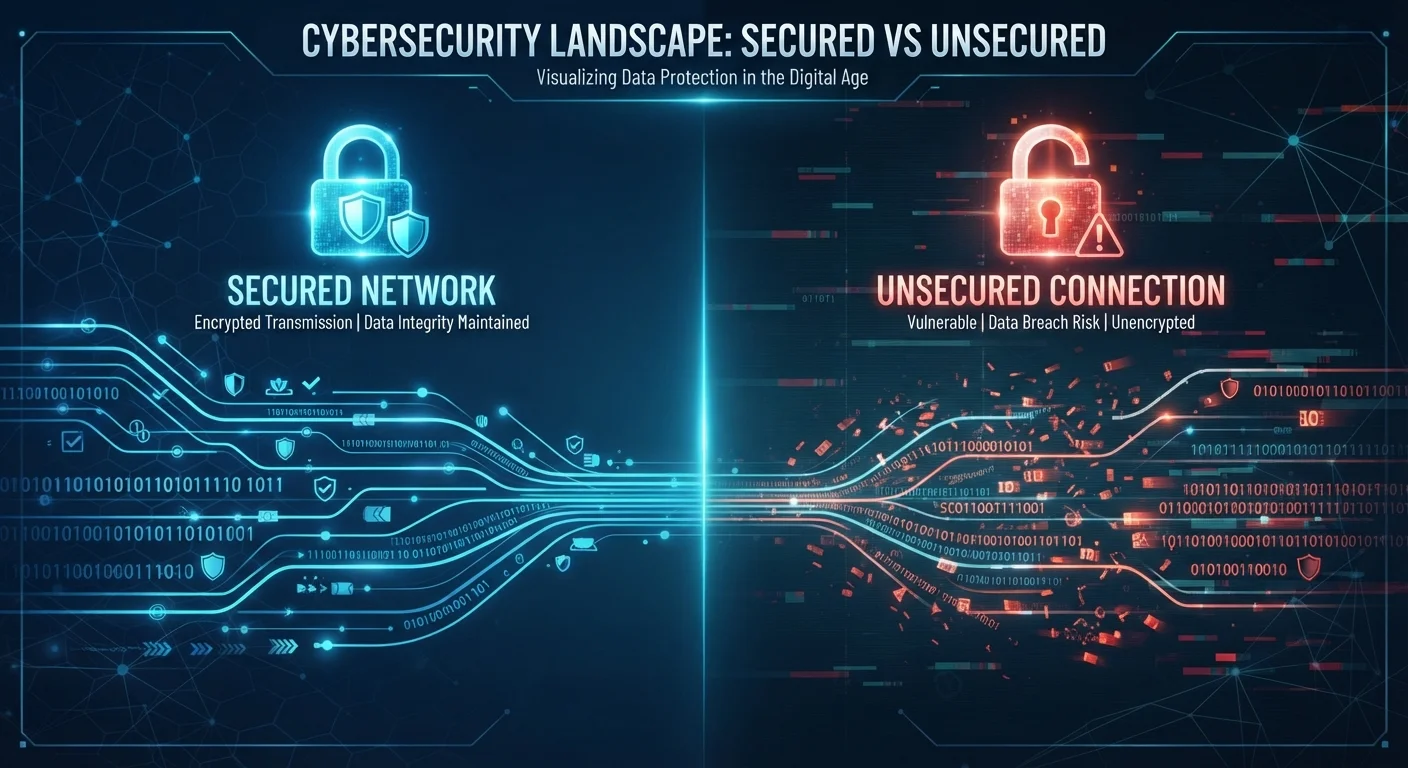
A VPN creates an encrypted tunnel between your device and a server operated by the VPN provider. All of your internet traffic is routed through that server before reaching its destination, which has two main effects: it hides the contents of your traffic from anyone observing your local network, and it masks your real IP address from the websites you visit.
What it does not do is anonymize you completely. The VPN provider itself can see your traffic. Websites can still identify you through browser cookies, login sessions, and device fingerprinting. And a VPN offers no protection against threats that arrive through your own actions — clicking a malicious link or downloading infected software bypasses encryption entirely.
For a broader foundation on staying safe online, see our beginner's guide to online security.
Where a VPN Genuinely Helps
The strongest case for using a VPN involves situations where someone on the same network could realistically intercept your traffic.
Encrypts traffic on untrusted public networks
On shared Wi-Fi, a VPN prevents local observers from reading your unencrypted data streams, making it significantly harder for bad actors on the same network to intercept sensitive information.
Hides browsing activity from your ISP
Your internet service provider can log the sites you visit and the timing of requests; a VPN replaces that visibility with encrypted traffic directed to a single VPN server.
Masks your IP address from destination sites
Websites see the VPN server's IP address rather than yours, which limits one method of location-based tracking — though it does not prevent other forms of identification.
Enables access to geographically restricted content
Connecting through a server in another country can allow access to streaming libraries or services unavailable in your region, subject to platform terms of service.
Useful for remote workers accessing corporate networks
Many organizations require VPN connections to grant secure access to internal systems, databases, and tools from outside the office environment.
Public Wi-Fi at airports, hotels, and coffee shops is the clearest example. Without a VPN, other devices on that network — or a rogue hotspot operator — could potentially observe unencrypted traffic. Our public Wi-Fi risk explainer covers how serious those threats really are in practice.
A VPN also helps employees accessing company systems remotely, since it can prevent internet service providers from logging browsing habits, and it can allow access to content libraries or services restricted by geographic region — though that use is subject to a provider's terms of service.
~93%
Share of web traffic now served over HTTPS
Google's Transparency Report has consistently shown that the vast majority of pages loaded in Chrome are served over HTTPS, reducing the gap a VPN fills for everyday browsing.
1 in 3
US adults who have used a VPN
Survey data from Statista and GlobalWebIndex indicates roughly a third of US internet users have used a VPN at some point, though regular usage remains considerably lower.
Where a VPN Changes Little
At home on a private, password-protected router, the threat that a VPN defends against — local network interception — rarely applies. Your ISP can still see metadata about your activity, but that is a different threat model than most users face day-to-day.
Slower connection speeds due to encryption overhead
Routing traffic through an additional server and encrypting it adds latency; the performance impact varies by provider and server location but is consistently measurable.
Trust shifts to the VPN provider, not eliminated
You are not removing a potential observer — you are replacing your ISP with your VPN provider. A provider with weak logging policies or operating in a permissive jurisdiction may offer less protection than assumed.
Does not protect against malware or phishing
A VPN encrypts traffic in transit but cannot stop you from visiting a fraudulent website or executing a malicious download; social engineering attacks are entirely outside its scope.
Subscription cost with variable reliability
Reputable VPN services typically charge a recurring fee, and free VPNs frequently offset costs by logging and monetizing user data — the opposite of their stated purpose.
Limited benefit when HTTPS is already in use
Most modern websites encrypt communications with HTTPS by default, meaning the content of your browsing sessions is already protected without a VPN on those sites.
It is also worth noting that the majority of web browsing is already protected by HTTPS. When you visit a site with the padlock icon in your browser's address bar, the content of your communication is encrypted regardless of whether you use a VPN. The encryption overlap means the marginal security gain on routine web tasks is smaller than many users assume.
HTTPS vs. VPN: What Each Actually Covers
HTTPS encrypts the content of your communication with a specific website — a third party on the network cannot read what you send or receive. A VPN additionally hides which websites you are visiting from your local network and ISP, but does not add meaningful content-level encryption beyond what HTTPS already provides. The two protections are complementary, not interchangeable.
Fitting a VPN Into a Realistic Security Strategy
A VPN is one tool, not a complete solution. The habits that protect most people most of the time are more foundational: strong, unique passwords managed through a reliable system (see our password manager trade-offs overview), and two-factor authentication on important accounts. Pairing those with thoughtful device privacy settings covers far more ground than a VPN alone.
If you decide a VPN fits your needs, the key question is trust: you are shifting who can see your traffic from your ISP to the VPN provider. Review a provider's logging policy and jurisdiction before committing. A VPN with opaque data practices may not represent a meaningful improvement over no VPN at all.