

| Primary delivery channel | Email (phishing), SMS (smishing), voice call (vishing) |
| Common impersonation targets | Banks, IRS, Social Security Administration, package carriers, tech support |
| Caller ID spoofing availability | Widely accessible; attackers can display any number, including real government lines |
| Definitive red flag (vishing) | Any request for payment via gift card or wire transfer |
| Report smishing/phishing to | FTC at ReportFraud.ftc.gov; phishing emails to reportphishing@apwg.org |
Three Channels, One Goal
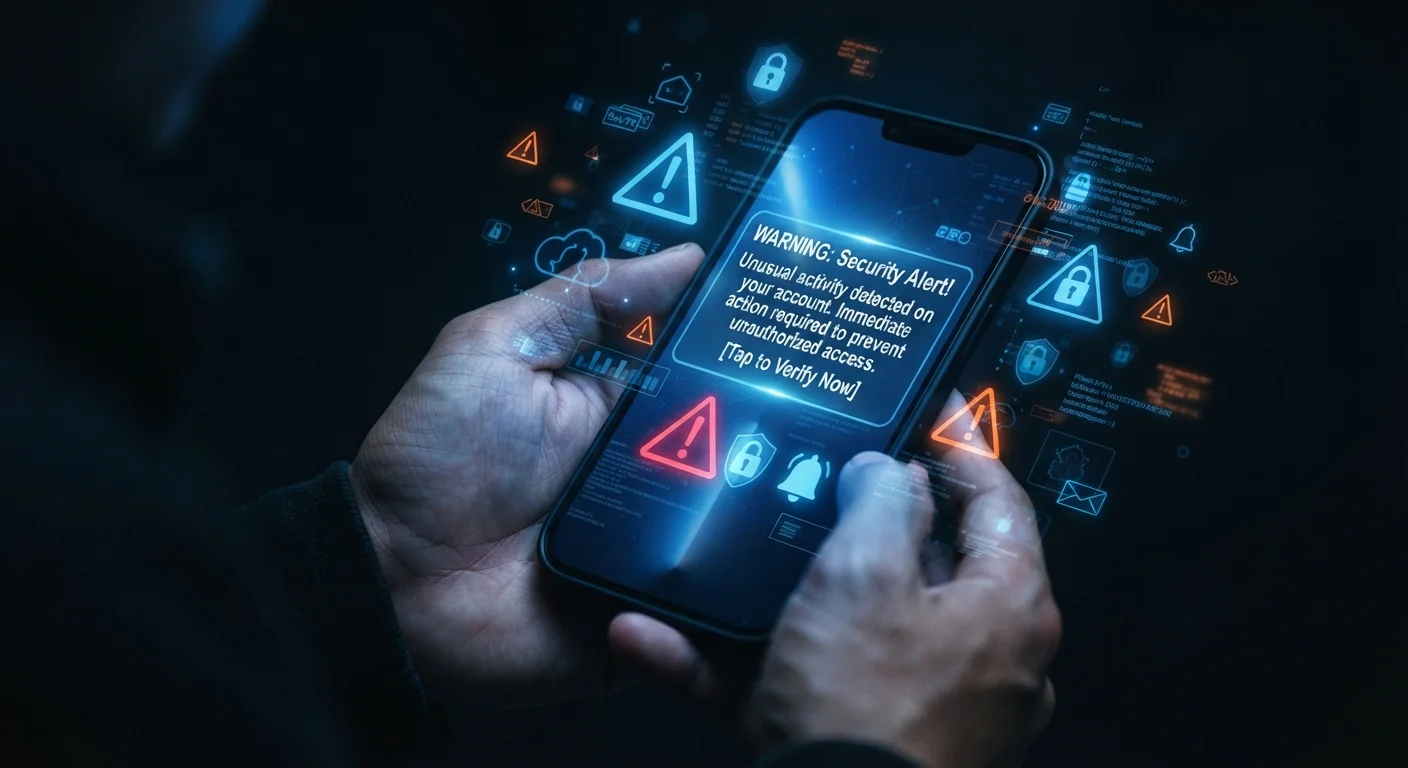
Social engineering scams — attempts to trick people into handing over credentials, money, or personal data — now arrive through three distinct channels. Phishing uses email, smishing uses SMS text messages, and vishing uses voice calls. While the delivery method differs, the underlying goal is identical: manipulate you into acting before you think.
| Primary delivery channel | Email (phishing), SMS (smishing), voice call (vishing) |
| Common impersonation targets | Banks, IRS, Social Security Administration, package carriers, tech support |
| Caller ID spoofing availability | Widely accessible; attackers can display any number, including real government lines |
| Definitive red flag (vishing) | Any request for payment via gift card or wire transfer |
| Report smishing/phishing to | FTC at ReportFraud.ftc.gov; phishing emails to reportphishing@apwg.org |
Understanding how each attack is constructed helps you recognize the pressure tactics before they work. The broader landscape of app security matters too, since many phishing links ultimately target app credentials or prompt you to install malicious software.
Phishing: The Email Variant
Phishing emails impersonate trusted senders — banks, government agencies, major retailers, or employers — and direct recipients to a fraudulent website or malicious attachment. Attackers spoof display names and sometimes domain names closely resembling the real organization (e.g., support@paypa1.com versus the legitimate domain).
What to look for
- Mismatched sender address: The display name looks legitimate, but the actual email domain does not match the real organization.
- Urgency or threat language: Phrases like "Your account will be suspended" or "Immediate action required" are designed to override careful thinking.
- Unexpected attachments: Invoices, shipping notices, or tax documents you did not request are common lures.
- Suspicious links: Hover over any link before clicking — the destination URL shown in your browser's status bar should match the claimed sender's domain exactly.
Phishing
A cyberattack delivered via email in which the sender impersonates a trusted entity to steal credentials, financial data, or personal information. The name derives from the idea of "fishing" for victims.
Smishing
A phishing attack delivered through SMS text messages. Attackers use texts because they tend to be opened quickly and scrutinized less carefully than emails.
Vishing
Voice-based phishing conducted over phone calls, often using spoofed caller ID numbers. Automated robocalls and live callers both fall into this category.
Caller ID Spoofing
A technique that allows a caller to display a false phone number on the recipient's caller ID. It is commonly used in vishing to impersonate government agencies or financial institutions.
Social Engineering
Psychological manipulation tactics used to deceive people into revealing confidential information or performing actions that benefit the attacker. Phishing, smishing, and vishing are all forms of social engineering.
Multi-Factor Authentication (MFA)
A security process that requires two or more independent verification steps — such as a password plus a one-time code — before granting account access. It significantly limits the impact of stolen passwords.
Smishing: Text-Based Deception
Smishing (SMS + phishing) exploits the higher open and response rates of text messages compared to email. Messages typically impersonate package delivery services, banks, or government benefit programs. Because phone screens truncate URLs and callers often check texts quickly, smishing can be harder to scrutinize in the moment.
What to look for
- Unknown short codes or numbers: Legitimate organizations rarely text from random long numbers, though spoofing means this alone is not definitive.
- Shortened or obscured URLs: Links using URL shorteners hide the true destination. Type the organization's official URL directly into your browser rather than tapping any link.
- Requests for personal data by text: Banks and federal agencies do not ask for passwords, Social Security numbers, or PINs via SMS.
- Prize or reward claims: "You've been selected" messages almost always lead to credential-harvesting pages.
If a text claims to be from your financial institution, call the number on the back of your card rather than replying or clicking. Managing your notification habits — as covered in smarter notification settings — can also help you stay deliberate rather than reactive when messages arrive.
Vishing: Voice Call Manipulation
Vishing (voice + phishing) involves a live or automated caller impersonating the IRS, Social Security Administration, tech support departments, or financial institutions. Caller ID spoofing makes it easy for attackers to display any number they choose, including real government phone numbers.
What to look for
- Unsolicited contact about a problem: Government agencies initiate contact by mail first; unsolicited urgent calls about tax debts, warrant arrests, or account fraud are standard vishing scripts.
- Pressure to stay on the line: Callers often warn you not to hang up and call back, because a callback to the official number would expose the fraud.
- Requests for gift cards or wire transfers: No legitimate agency or business collects payment this way. This request alone is a definitive red flag.
- AI-generated voice clones: Emerging vishing tactics use cloned voices of family members to simulate emergency scenarios — a growing threat worth knowing about.
AI Voice Cloning: A Rising Vishing Tactic
Attackers increasingly use artificial intelligence to clone the voice of a family member or colleague, then call targets claiming to be in an emergency. If you receive an unexpected distress call requesting money, hang up and call the person directly on a known number before taking any action. Establishing a private family "safe word" is one approach security researchers suggest for verifying identity in these situations.
Before downloading any app that a caller or text directs you to, run a quick check using the guidance in before you download. Malicious apps are a common second stage after a smishing or vishing contact.
Universal Defense Habits
Regardless of channel, a consistent set of habits reduces your exposure significantly.
- Verify through official channels: If a message or call claims to be from an organization, hang up or close the message and contact the organization directly using a number or website you know to be legitimate.
- Enable multi-factor authentication (MFA): Even if credentials are captured, MFA provides an additional barrier that stops most automated attacks.
- Report suspicious contacts: Forward phishing emails to
reportphishing@apwg.orgor to the impersonated organization. Report smishing to the Federal Trade Commission at ReportFraud.ftc.gov. Vishing can be reported to the FTC and your state attorney general's office. - Slow down: Urgency is the attacker's most reliable tool. A legitimate message from your bank can wait 60 seconds while you verify the sender independently.
1 in 3
U.S. adults who report receiving a suspicious text or call
According to Truecaller's U.S. Spam & Scam Report, a significant share of Americans encounter smishing or vishing attempts regularly.
~$10B
Consumer losses reported to the FTC from fraud
The Federal Trade Commission reported that consumers reported losing more than $10 billion to fraud in 2023, a record high.