

Key Takeaways
Our Verdict
Free tiers are genuinely useful for casual or infrequent use, and many apps offer enough at no cost to satisfy most users. Paid subscriptions justify their price when the added features meaningfully change how productive, creative, or secure you are — not just when they remove minor annoyances. The smartest approach is to use free tiers to evaluate fit before committing to recurring costs.
| Best for | Recommended |
|---|---|
| Casual or occasional app users | Free tier |
| Power users relying on an app daily for work or creative output | Paid subscription |
| Privacy-conscious users handling sensitive data | Paid subscription |
| Users exploring an app's value before committing | Free tier first, then upgrade |
How Free and Paid App Tiers Actually Differ
Most apps today use a freemium model — a business structure where a core version is free, and a paid subscription unlocks additional features or removes limitations. Understanding what sits behind that paywall matters before you hand over a recurring fee.
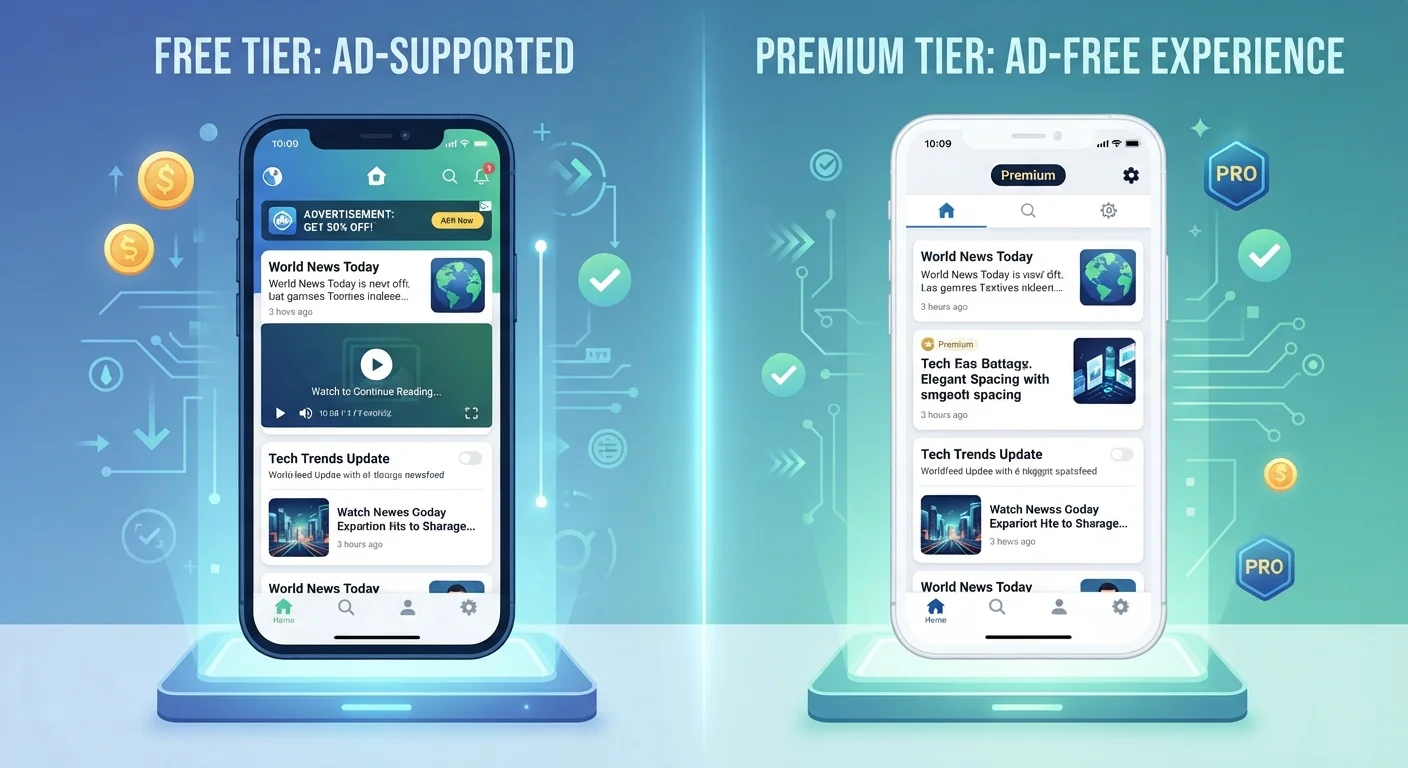
Free tiers typically trade convenience for revenue in one or more ways: displaying advertisements, capping how much you can store or export, limiting access to advanced tools, or monetizing usage data. Paid tiers generally remove those trade-offs, but the value of doing so varies enormously by app category.
In productivity and security apps, the gap between free and paid is often substantial — think offline access, end-to-end encryption, or unlimited file handling. In entertainment and lifestyle categories, the paid upgrade is frequently just an ad-free experience, which may or may not justify the cost depending on how often you open the app.
| Free Tier | Paid Tier | |
|---|---|---|
| Cost | $0 | Typically $3–$15/month |
| Ads | Usually present | Typically removed |
| Feature access | Core or limited features | Full or advanced features |
| Storage / usage limits | Capped | Higher or unlimited |
| Data privacy | May include data monetization | Generally stronger protections |
| Cross-device sync | Often restricted | Usually included |
| Customer support | Community or limited | Priority or direct support |
Categories Where Paying Usually Makes Sense
Certain app categories tend to deliver genuine returns on a paid subscription:
- Password managers: Free tiers on most password managers limit sync across devices. Since the entire value proposition is secure, seamless access everywhere, the paid version closes a real security gap.
- Cloud storage and productivity suites: Free storage caps fill up fast. Users who handle large documents, photos, or shared workspaces often find the paid tier essential rather than optional.
- VPNs (Virtual Private Networks): Free VPN services frequently impose bandwidth caps or log user activity — the opposite of what a privacy tool should do. Paid tiers in reputable services generally offer stronger policies and faster connections.
- Creative tools: Photo editing, video, and design apps often lock export quality or layer counts behind a paywall. For anyone producing work at a professional or semi-professional level, the free tier can become a genuine bottleneck.
If an app sits at the center of your daily workflow, the paid subscription is more likely to pay for itself in time saved or capability gained. You can explore apps that help manage money day-to-day for examples of where paid tiers add measurable utility.
Try Before You Subscribe
Most reputable paid apps offer a free trial period ranging from seven to thirty days. Use that window intentionally — push the app to its limits, explore advanced features, and assess whether you'd genuinely miss them if access were removed. Canceling before the trial ends costs nothing and gives you real data to make your decision.
When the Free Tier Is Genuinely Enough
Not every subscription pitch deserves a yes. Free tiers often cover the full functional need for users who interact with an app occasionally or for a narrow purpose.
News readers, weather apps, recipe organizers, and many fitness trackers offer free versions that handle most users' actual needs. The paid upsell in these cases often targets comfort — removing an ad banner or unlocking a theme — rather than core capability.
A useful test: ask how often you reach the free tier's limits in a typical week. If the answer is rarely or never, the upgrade likely isn't adding value proportional to its recurring cost. App subscriptions, like any recurring charge, behave as fixed expenses in your budget once you commit — easy to forget and slow to cancel.
Watch Out for Subscription Creep
Small monthly charges are easy to overlook individually, but several modest app fees can accumulate into a significant annual expense. Many users find they're paying for apps they haven't opened in months. Set a calendar reminder every quarter to review your active subscriptions through your device's app store settings, and cancel anything you no longer use regularly.
Making the Decision: A Practical Framework
Before upgrading, run through these considerations:
- Use the free tier for at least two weeks. Real friction with limits will surface quickly if you actually need more.
- Calculate annual cost, not monthly. A $6.99/month app costs roughly $84/year. Multiply that across several subscriptions and the total becomes significant.
- Check what the paid tier specifically adds. Read the feature list carefully — not the marketing summary. Ad removal is not the same as added functionality.
- Look for annual billing discounts. Many apps offer 20–40% savings for paying annually rather than monthly, if you're confident you'll use the service long-term.
- Audit your subscriptions regularly. It's worth reviewing active app subscriptions every few months to identify ones you've stopped using.
Before installing any new app — free or paid — it's also worth doing a quick safety check. Our guide on what to verify before downloading any app covers permissions, privacy risks, and legitimacy signals to look for.