

Key Takeaways
Option A
Dedicated Password Manager
The security-first approach to credential storage.
Best for: Users who want strong encryption, cross-platform flexibility, and advanced features like breach alerts and secure sharing.
Option B
Browser-Saved Passwords
The built-in convenience option most people already use.
Best for: Users who prioritise frictionless login within a single browser and ecosystem without installing extra software.
If you use multiple browsers or switch between devices regularly
Dedicated Password Manager
Password managers sync across all platforms and browsers via encrypted vaults, so your credentials follow you regardless of which device or app you use.
If you want zero extra setup and stay within one browser ecosystem
Browser-Saved Passwords
Built-in browser storage requires no additional software and integrates seamlessly for users committed to a single browser like Chrome or Safari.
If you share a device or computer with other people
Dedicated Password Manager
A standalone manager keeps credentials behind its own master password, independent of who is logged into the browser or operating system.
If your primary concern is long-term breach resilience
Dedicated Password Manager
Dedicated managers use zero-knowledge encryption and often alert you to compromised credentials — protections most browser-based storage does not offer.
How Each System Actually Stores Your Passwords
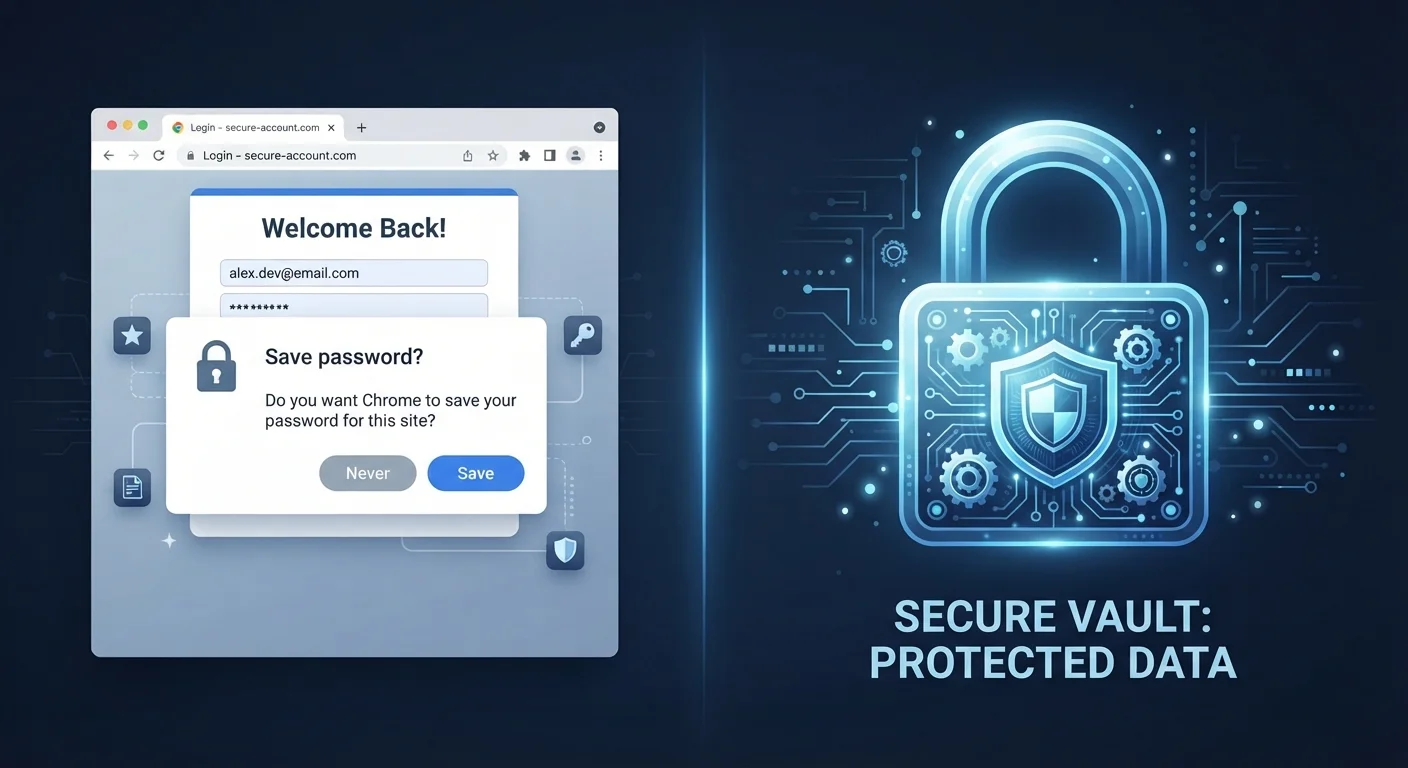
When you save a password in your browser, it is stored locally on your device within the browser's profile directory and typically synced to the browser vendor's cloud servers — tied to your Google, Apple, or Microsoft account. Access to those credentials generally requires nothing more than being logged into your browser profile, which in practice means anyone with access to your unlocked device or browser session can view them.
Dedicated password managers work differently. They encrypt your entire credential vault using a master password that only you know. This is commonly implemented using zero-knowledge architecture, meaning the service provider cannot read your passwords even if their servers are breached. The vault is decrypted locally on your device after you authenticate. For a deeper look at how apps handle the underlying storage question, see how cloud sync and local storage compare.
| Criterion | Dedicated Password Manager | Browser-Saved Passwords |
|---|---|---|
| Encryption standard | Zero-knowledge, AES-256 typical | Varies; tied to account/OS encryption |
| Cross-browser support | Works across all major browsers | Limited to one browser family |
| Breach monitoring | Usually included | Limited or absent |
| Resistance to info-stealers | Higher — vault requires master password | Lower — accessible via browser files |
| Password generation | Built-in, strong defaults | Basic suggestions only |
| Setup effort | Requires installation and onboarding | Zero — built into browser |
| Secure sharing | Supported in most managers | Not available |
Where Browser Storage Falls Short
The core vulnerability of browser-saved passwords is their dependency on your browser session. If malware — particularly a class known as info-stealers — gains access to your device, it can extract saved credentials directly from browser storage files without needing your login credentials. Several widely documented malware families specifically target browser password databases for this reason.
Browser profiles synced to cloud accounts also expand the attack surface. If your Google or Microsoft account is compromised through phishing, an attacker may gain access to every password synced to that account. Additionally, browser password storage typically lacks advanced features such as breach monitoring, secure credential sharing, or emergency access options.
80%+
Of breaches involve stolen or weak credentials
According to Verizon's Data Breach Investigations Report, the majority of hacking-related breaches involve compromised passwords.
~54%
Of US adults reuse passwords across accounts
A Pew Research Center survey found that a majority of Americans admit to reusing passwords, significantly increasing breach risk.
That said, browser-saved passwords are still far preferable to reusing simple passwords across sites — a practice that remains the leading cause of account takeovers. The question is not whether browser storage is useless, but whether it meets your actual risk profile.
What Dedicated Password Managers Do Better
The security advantage of a dedicated manager comes down to separation and encryption. Because the vault exists independently of your browser and operating system session, an attacker who gains access to your unlocked laptop cannot simply open a browser settings page and read your credentials. They would need your master password to decrypt the vault.
Most dedicated managers also generate strong, unique passwords automatically — removing the human tendency to create memorable but guessable credentials. Many include real-time breach monitoring that alerts you when a stored credential appears in a known data breach database. These are meaningful, practical security layers that browser storage does not replicate. For a balanced look at the trade-offs that come with dedicated managers, this breakdown of password manager trade-offs covers both the benefits and the limitations honestly.
Master Password Loss Is a Real Risk
The primary drawback of a dedicated password manager is its dependency on your master password. If you forget it and have not set up account recovery options, you may be locked out of your vault. Most managers offer recovery codes or trusted-contact recovery — setting these up at the start is important. This is a trade-off worth understanding before committing to a manager.
Practical Considerations for the Switch
Migrating from browser storage to a dedicated manager is a one-time effort. Most password managers can import credentials directly from Chrome, Firefox, Safari, and Edge, so you do not need to re-enter passwords manually. The main adjustment is unlocking the manager before logging in — typically through a master password, biometric, or a combination of both.
The most important habit, regardless of which tool you use, is ensuring every account has a unique password. A dedicated manager makes this easier by generating and remembering complex strings automatically. Incorporating this into a broader digital security review is worthwhile — the digital security audit checklist is a practical starting point. For the long view, cybersecurity habits that hold up over time outlines the consistent practices that reduce exposure across all your accounts.