

Key Takeaways
Why Your Home File Is a Financial Asset
Most homeowners think of renovation records as administrative clutter. In practice, they function as a financial asset — one that can meaningfully affect your tax liability and your negotiating position when you sell.
Under current IRS rules, capital improvements that add value, prolong useful life, or adapt a home to new uses can be added to your cost basis. A higher cost basis reduces the taxable gain when you eventually sell. For homeowners who exceed the primary residence exclusion ($250,000 for single filers, $500,000 for married filing jointly, as of current law), the savings can be substantial. Without documentation, those additions to basis cannot be substantiated. This is general educational information — consult a qualified tax professional regarding your specific situation.
Beyond taxes, good records build buyer confidence. As outlined in our homebuyer due-diligence checklist, prospective buyers and their inspectors routinely ask about permits, warranties, and the history of major systems. A well-organized home file answers those questions immediately and signals that the property has been responsibly maintained. Homes with documented improvement histories tend to attract more confident offers.
Tax Basis Rules Require Accurate Records
The IRS allows homeowners to add the cost of qualifying capital improvements — such as a new roof, HVAC system, or kitchen addition — to their home's cost basis. A higher basis reduces the taxable gain when you sell. Without receipts and documentation, you cannot substantiate those additions to the IRS. Consult a qualified tax professional about how these rules apply to your specific situation.
What to Gather and How to Organize It
The tools you need are straightforward. A physical binder or accordion folder handles originals; a cloud account and a basic spreadsheet cover the digital side. The section below outlines what to have on hand before you start.
What you will need
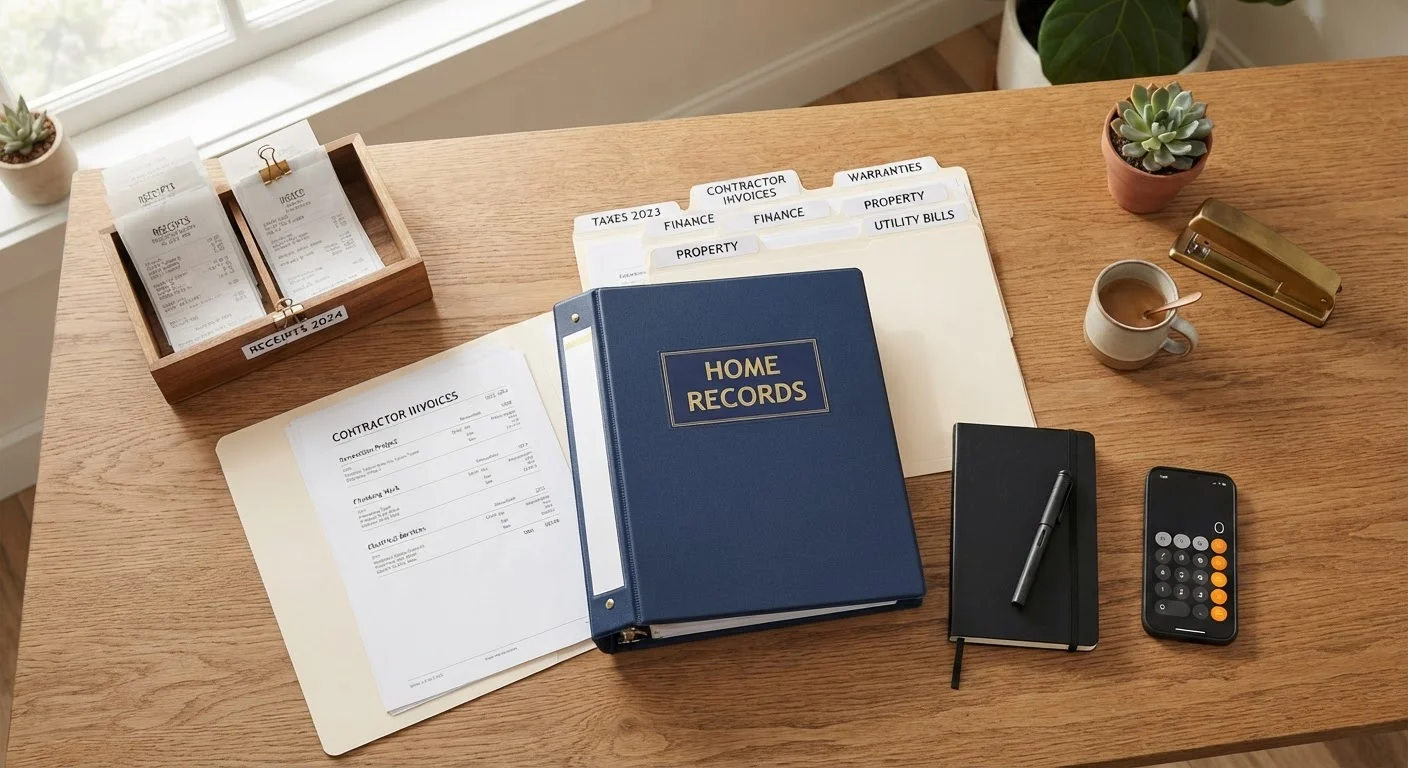
Accordion file folder or three-ring binder
Physical storage for contracts, permits, warranties, and receipts organized by project or category.
Cloud storage account (e.g., any major provider)
Digital backup for scanned documents and photos, accessible from anywhere.
Smartphone with camera
Capturing timestamped before-and-after photos of each project.
Spreadsheet or home-management app
Logging project dates, costs, contractors, and permit numbers in one searchable place.
Locate your original purchase documents
Your home file starts the day you close. Retrieve your Closing Disclosure (or HUD-1 for older purchases) — it establishes your original cost basis. Also gather your home inspection report, title insurance policy, and any seller disclosures. These anchor documents give you a verified starting point that every subsequent improvement record builds upon.
Separate improvements from routine repairs
Create two categories: Capital Improvements and Maintenance & Repairs. Capital improvements — additions, full system replacements, structural changes — can be added to your cost basis. Routine repairs generally cannot. Label every document accordingly as you file it. When in doubt, note the uncertainty and flag it for review with a tax professional.
Collect and file project documentation
For every project — large or small — gather the following and file together:
- Signed contractor contract stating scope of work and price
- Itemized invoices and receipts, including materials and labor
- Building permits and final inspection sign-offs
- Warranties for appliances, roofing, windows, or systems installed
- Before-and-after photos with dates
Permits are particularly important: unpermitted work can complicate financing and sales. If a permit was required for your project and wasn't pulled, note that and consult your local building department about options.
Create a master project log
Build a simple spreadsheet or use a home-management app to log every project chronologically. Include: project description, start and completion dates, total cost, contractor name and license number, permit number (if applicable), and document file location. This log is your quick-reference index — especially useful when a buyer's agent or inspector asks detailed questions during a sale.
Store documents in at least two places
A physical binder in a fireproof location handles originals. Scan every document and store digital copies in a cloud service. This redundancy protects you if one copy is lost, damaged, or destroyed. Organize digital files by year and project name so they're easy to search. For ongoing maintenance guidance that complements your records, see our seasonal home maintenance checklist.
Review and update your file annually
Set a yearly calendar reminder — tied to your homeowner's insurance renewal, for example — to review and update your home file. Confirm all warranty registrations are current, discard superseded drafts, and verify that permit records are complete for any work done that year. An annual review keeps the file accurate and prevents a backlog of unfiled paperwork from accumulating.
Repairs vs. Improvements: The Distinction Matters
The IRS generally distinguishes between repairs (which maintain existing condition) and capital improvements (which add value or extend useful life). Fixing a leaky faucet is typically a repair; replacing the entire plumbing system is an improvement. Only improvements can be added to your cost basis, so file them separately and note which category each project falls into. A tax professional can help you classify projects correctly.
Photograph Every Project Before and After
Timestamped photos stored alongside your invoices provide powerful corroboration for both tax purposes and future buyers. Many smartphone cameras embed date and location metadata automatically. Store photos in the same folder as the associated receipt or contract so everything is easy to retrieve.
For the broader context of routine upkeep that complements your improvement records, our guide to home maintenance tasks owners often overlook covers the recurring work that keeps systems functioning between major projects. Keeping maintenance records alongside improvement records gives you the most complete picture of the home's history — the kind of transparency that resonates with buyers and supports accurate insurance valuations.
This article is for general informational and educational purposes only and does not constitute tax, legal, or financial advice. Consult a qualified tax professional or attorney regarding your specific circumstances.