

Key Takeaways
Refresh Rate
Refresh rate is the number of times per second a TV or monitor updates the image on screen. It is measured in hertz (Hz) — so a 60 Hz display redraws the picture 60 times every second. A higher refresh rate generally means motion looks smoother and less blurry to the human eye.
Refresh rate is a property of the display hardware itself; it is separate from frame rate, which is how many frames per second the source content or graphics card actually produces.
How Refresh Rate Works
Every image on a digital screen is made up of millions of tiny pixels. Rather than holding one image still, your display continuously redraws those pixels to create the illusion of motion — much like how a flipbook creates animation. The refresh rate tells you exactly how many times that redraw happens each second.
A screen running at 60 Hz updates 60 times per second. One running at 120 Hz updates 120 times — twice as often. Each redraw gives the display a chance to show the next frame of whatever you are watching or playing, so a faster refresh can capture more of that movement.
The unit hertz (Hz) simply means "cycles per second" — the same measurement used for sound frequencies and radio waves. When you see it on a TV spec sheet, it refers exclusively to this display redraw cycle.
Refresh Rate vs. Frame Rate: Not the Same Thing
These two terms are often confused. Refresh rate is a fixed hardware capability of the display — it does not change based on what you are watching. Frame rate is how many frames the content source (a game engine, a camera, a streaming file) is producing. Your display can only show as much motion detail as the lower of the two numbers allows.
When Higher Hz Actually Makes a Difference
The benefit of a high refresh rate depends entirely on whether the content being displayed can keep up. There is little practical advantage to a 120 Hz TV if everything you watch is delivered at 30 frames per second — the extra refresh capacity simply goes unused.
Here is where it genuinely matters:
- Gaming: Modern gaming consoles and PCs can output 60, 120, or even higher frame rates. When the display matches that output, motion is visibly smoother, input lag (the delay between your controller input and what appears on screen) is reduced, and fast action scenes are clearer.
- Live sports: Broadcast sports at 60 fps benefit from a 60 Hz or 120 Hz display, making fast player movements and ball tracking easier to follow.
- Standard video: Streaming services and Blu-ray movies typically deliver 24 fps (film) or 30–60 fps (TV). A 60 Hz display handles these perfectly; higher refresh rates add no perceptible quality improvement to the content itself.
60 Hz
Standard refresh rate for most consumer TVs
The majority of televisions sold in the US are rated at 60 Hz, which matches the maximum frame rate of most broadcast and streaming content.
120 Hz
Refresh rate supported by current-gen consoles
Both major current-generation gaming consoles support 120 fps output modes, making 120 Hz TVs and monitors relevant for serious console gamers.
24 fps
Standard frame rate for cinematic film
Most Hollywood films are produced and delivered at 24 frames per second, a standard that has defined the look of cinema since the sound era.
The Motion Smoothing Complication
Many TVs use a feature called motion smoothing — marketed under names like TruMotion, MotionFlow, or Auto Motion Plus — to bridge the gap between low-frame-rate content and a high-refresh-rate panel. The TV's processor generates and inserts artificial frames between the real ones, making movement appear smoother.
The result is controversial. Cinematic films shot at 24 fps were deliberately crafted to look that way; adding interpolated frames makes them look like recorded video rather than film. This phenomenon has become widely known as the soap opera effect because the resulting image can resemble daytime television production quality.
Turn Off Motion Smoothing for Movies
If you are watching films and the picture feels oddly sharp or hyper-realistic, check your TV's picture settings for a motion smoothing or motion interpolation option and disable it. Many TVs also offer a dedicated Filmmaker Mode that does this automatically. This restores the original visual quality the director intended.
Most TV manufacturers now include a dedicated Cinema or Filmmaker Mode that disables motion smoothing and other processing features, preserving the content creator's original intent.
Choosing the Right Refresh Rate for Your Needs
Understanding what you primarily use your screen for is the most practical guide:
- General TV viewing and streaming: 60 Hz is entirely sufficient. You will not notice a meaningful difference upgrading beyond this for everyday video content.
- Console gaming: If your console supports 120 fps output (many current-generation consoles do), a 120 Hz TV or monitor will let you take full advantage of that.
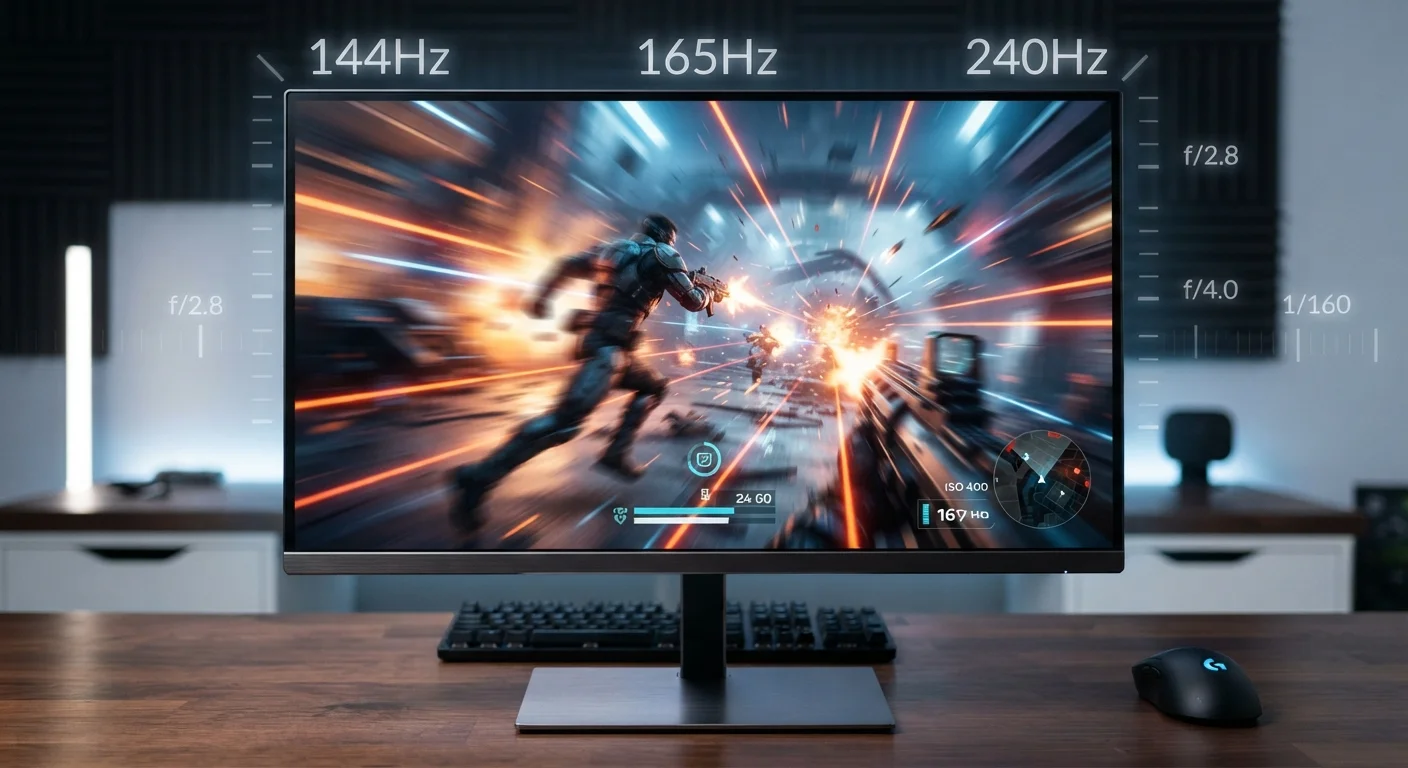
- PC gaming: Competitive or enthusiast PC gamers often use monitors at 144 Hz, 165 Hz, or higher, particularly for fast-paced genres where every millisecond of input responsiveness counts.
- Office and productivity use: 60 Hz is standard and perfectly adequate. Some users prefer 75–120 Hz for reduced eye fatigue during long work sessions, though research on this benefit is not definitive.
Refresh rate is one specification among many — panel technology, resolution, color accuracy, and brightness all shape overall picture quality. A high refresh rate on a lower-quality panel will not automatically produce a better-looking image than a well-calibrated 60 Hz display.