

Key Takeaways
Where These Myths Come From
Many laptop battery beliefs trace back to the era of nickel-cadmium (NiCd) and nickel-metal hydride (NiMH) batteries, which were common in portable electronics through the 1990s. Those chemistries genuinely suffered from a phenomenon called the "memory effect" — a loss of effective capacity if the battery wasn't regularly discharged to near-zero. The rules made sense then.
Lithium-ion (Li-ion) cells, which power virtually every modern laptop, behave very differently. They have no memory effect, degrade through different mechanisms, and respond to the habits that helped older batteries in ways that can actually cause harm. Yet the old advice persists, passed along as received wisdom long after the technology moved on.
For a broader look at how similar myth patterns show up in other areas of everyday life, see our article on common credit score misconceptions — the gap between inherited belief and current reality is a recurring theme.
The Myths, Examined
The following myth-fact pairs cover the most widely repeated laptop battery beliefs and what lithium-ion chemistry actually tells us about each one.
Myth
You should always drain your laptop battery to zero before charging it again.
Fact
Fully discharging a lithium-ion battery repeatedly accelerates its degradation — partial charges are preferable.
This rule applied to older NiCd batteries to prevent the memory effect. Lithium-ion cells have no memory effect. Instead, deep discharges to 0% place significant stress on the battery's electrodes. Most battery engineers recommend keeping charge levels between roughly 20% and 80% for everyday use to minimize wear over time.
Myth
Leaving your laptop plugged in all the time ruins the battery.
Fact
Modern laptops stop actively charging once the battery reaches 100%, so continuous connection is generally safe — though sustained heat is still a concern.
Contemporary laptop firmware and battery management systems are designed to taper and halt charging at full capacity. The charger maintains system power without cycling the battery. The real risk isn't the plug — it's heat generated by the power adapter and the chassis when the laptop runs demanding workloads while docked. Keeping a plugged-in laptop on a hard, flat surface that allows airflow reduces that thermal risk meaningfully.
Myth
Charging overnight destroys your battery.
Fact
Overnight charging is largely harmless for modern laptops with proper battery management, though extended storage at 100% is mildly stressful.
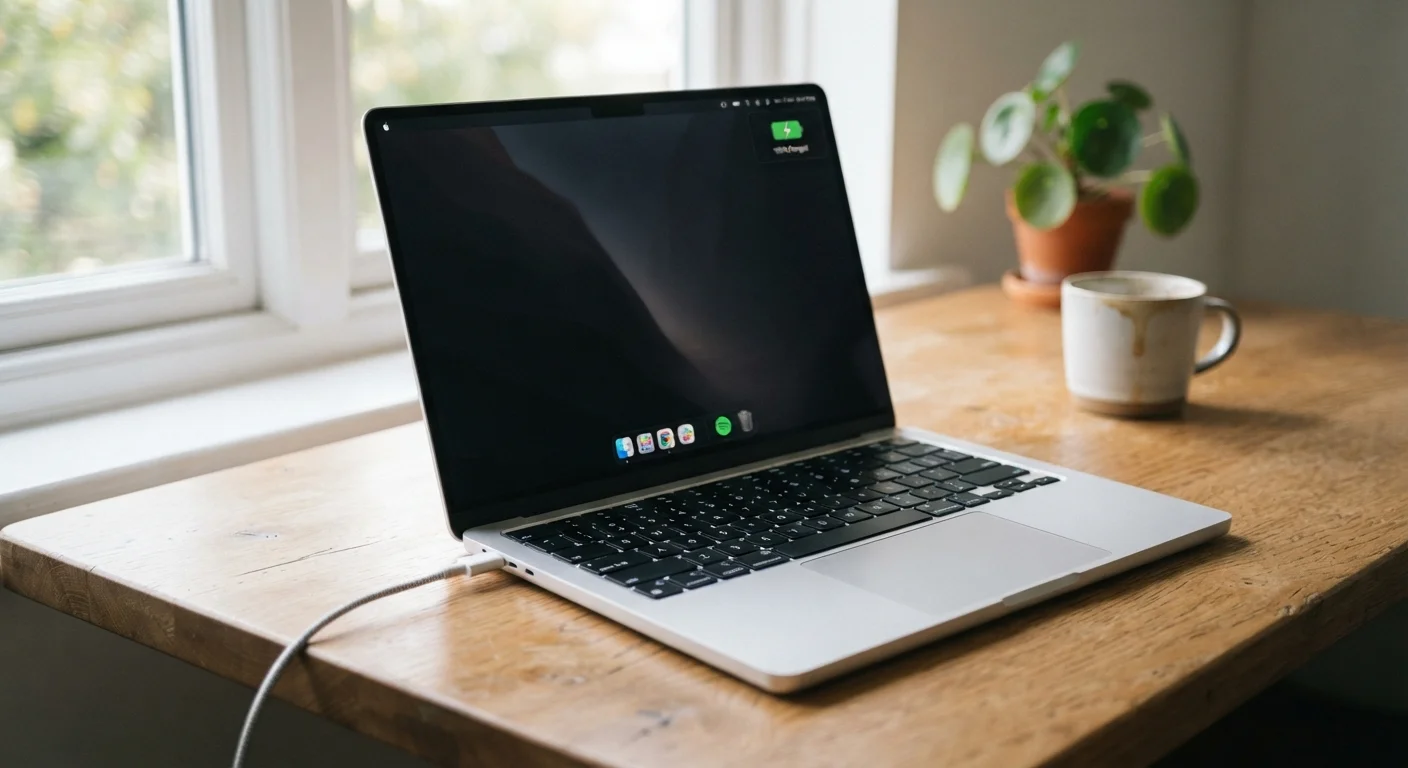
Because the charging circuit cuts off at full capacity, a laptop sitting on the charger overnight isn't absorbing continuous current. Some manufacturers go further by offering a "battery care" or "charge limit" mode in system settings — capping charge at 80% — which reduces high-voltage stress during long periods of desk use. Enabling that feature, if available, is worth doing. But fear of plugging in before bed is not warranted for most users.
Myth
You need to calibrate your battery regularly to keep it accurate.
Fact
Battery calibration — a full discharge and recharge — is not a maintenance requirement for lithium-ion batteries and offers no capacity benefit.
Calibration was a meaningful practice for older battery chemistries where the charge gauge could drift. In current Li-ion systems, the battery management unit continuously tracks voltage and temperature to estimate charge state. Running a battery all the way down specifically to "reset" it provides no chemistry benefit and adds an unnecessary deep-discharge cycle. Some manufacturers recommend a single calibration after replacing a battery unit, but routine calibration is not supported by how modern cells actually work.
Myth
Third-party chargers always damage laptop batteries.
Fact
Chargers that meet the correct wattage and connector specifications are generally safe; the risk lies in unverified, very low-quality units.
Well-made third-party chargers that match a laptop's required voltage and current specifications typically function without causing battery harm. The concern is legitimate for extremely cheap, uncertified units that may deliver unstable voltages or skip overcurrent protection. Looking for chargers with recognized safety certifications (such as UL listing in the US) is a reasonable filter. The specification match matters more than the brand name on the adapter.
For related guidance on everyday charging routines that affect longevity, our piece on gadget charging habits that shorten battery lifespan goes deeper on practical adjustments worth making.
What Actually Degrades a Lithium-Ion Battery
~20%
Typical Li-ion capacity loss after 500 full charge cycles
Battery manufacturers commonly rate lithium-ion cells to retain approximately 80% of original capacity after 500 full discharge cycles under standard test conditions.
35°C
Temperature threshold above which Li-ion aging accelerates
Research on lithium-ion degradation consistently identifies sustained exposure above approximately 35°C (95°F) as a leading factor in accelerated capacity loss.
High Heat Is the Biggest Battery Threat
Using a laptop on soft surfaces like beds or couches can block ventilation, causing the chassis and battery to run significantly hotter than normal. Over time, this thermal stress shortens battery lifespan more than most charging habits will. Whenever possible, use laptops on hard, flat surfaces or a dedicated stand that allows airflow underneath.
Understanding what genuinely harms Li-ion cells helps separate meaningful habits from superstition. Two factors dominate: heat and charge state extremes. Operating or storing a laptop at high temperatures — above roughly 95°F (35°C) — accelerates the chemical reactions that degrade electrode materials. Storing a battery at 100% charge for extended periods causes a related form of stress called high-voltage aging.
Charge cycles matter too, but the relationship is more nuanced than the myth version suggests. A "cycle" is a full 0–100% discharge, but most everyday use never completes a full cycle in a single session. Shallow partial charges — say, keeping a laptop between 40% and 80% — extend the number of effective cycles the battery can deliver before noticeable capacity loss sets in.
Software also plays a role. Apps running in the background, aggressive sync schedules, and certain display settings push the battery to work harder, indirectly increasing heat. Our article on why apps drain battery faster than expected identifies the most common software-side offenders.
Check Your Laptop's Own Battery Settings First
Many laptop manufacturers now include a dedicated battery health or charge-limit mode in their system settings or companion software. These features — found in settings panels from various major manufacturers — are designed specifically to reduce long-term degradation. Checking whether your model offers this option and enabling it is one of the most practical steps available, and it costs nothing.